Whether you’re at home or traveling, use Wake on WAN and Wake on LAN for flexible power on/off and data access.
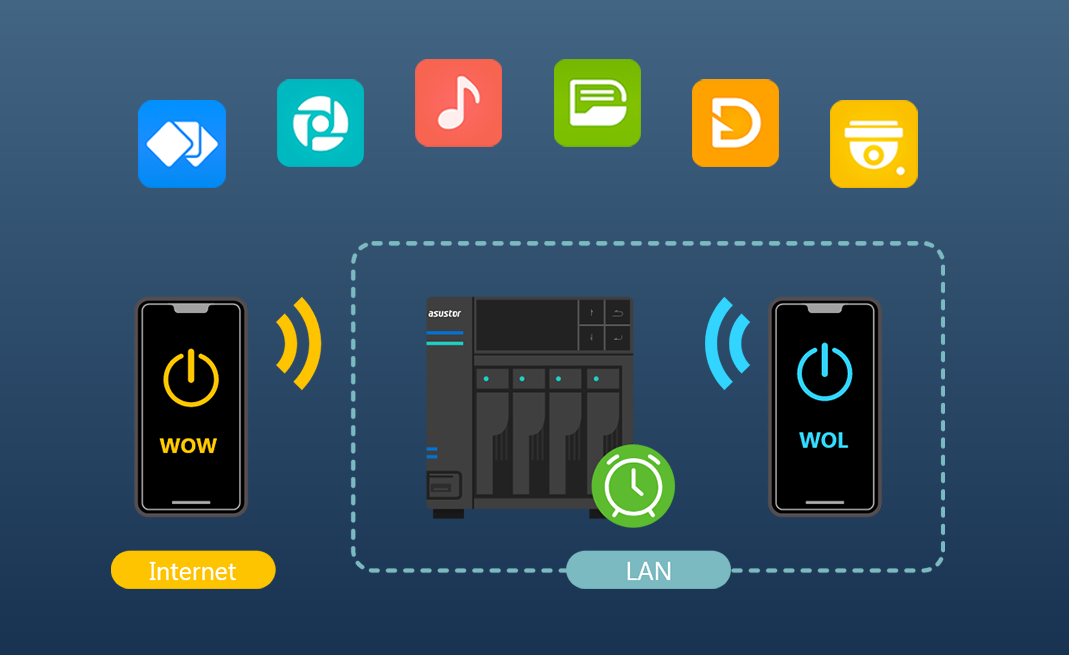
Besides convenience, the advantages of WOL and WOW also include:
 Reduced power consumption and energy conservation. Extended lifespan of hard drives and your NAS. Reduced risk of your NAS being online for extended periods, enhancing data security.
Using AiMaster as an example:
First, download and install AiMaster on your mobile device. You must have previously logged into your NAS using AiMaster and successfully added it to the list. Next, log into ADM and shut down the NAS or set it to a sleep state.
Afterward, launch AiMaster, find the NAS you want to wake up in the server list, tap the Wake Up icon on the right, and tap Confirm in the pop-up dialog box. AiMaster will then send a signal to wake up the NAS.
Learn more on ASUSTOR College.