1. Complete Data Cloning
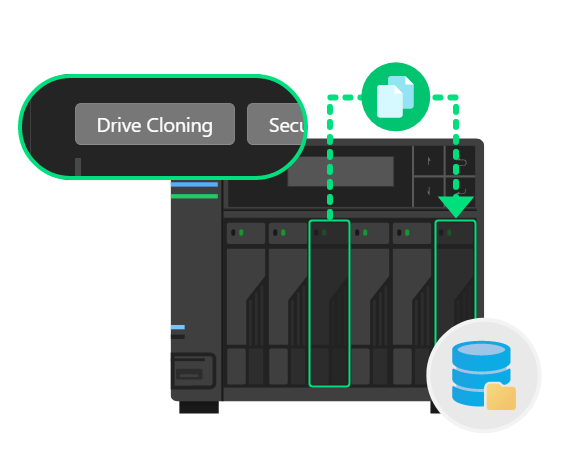
o If you have two or more idle drive bays on your ASUSTOR NAS or expansion unit, you can fully copy all data from one hard drive or SSD to another hard drive or SSD of the same model and capacity or larger, ensuring complete data preservation or backup.
o Ensure there are at least two idle bays on the NAS.
o Insert a source hard drive or SSD into one of the idle bays.
o Insert target hard drives or SSDs into another idle bay. Multiple hard drives or SSDs can be inserted as targets, ensuring that the target drive capacities are greater than or equal to the source drive's capacity.
2. Securely Deletion of Drive Data

o When a hard drive or SSD is no longer needed, an idle bay on an ASUSTOR NAS or expansion device can be used to securely remove data using Drive Utilities, helping to prevent unauthorized recovery or leakage of hard drive data.
o Ensure there is at least 1 idle bay on the NAS.
o Insert the hard drive or SSD to be securely removed into an idle bay.
For detailed steps, visit ASUSTOR Online College.