Installing Drive Utilities from App Central helps you make full use of your NAS’s unused bays to securely remove data from a drive or clone data between drives to back up and protect data, comprehensively upgrading your NAS’s functionality for no extra cost.
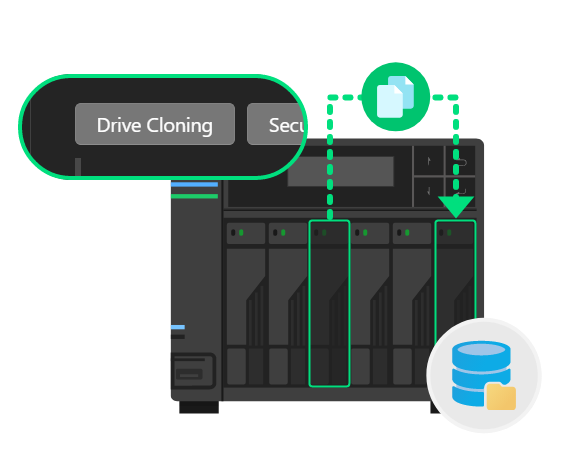
Clone it All!
With two or more idle bays within your NAS, you can completely copy all data from one hard drive or SSD to another drive of the same type and capacity or a larger one. This helps to preserve or back up data.
Banishing Unwanted Data!
When a hard drive or SSD is no longer in use, you can securely remove data from hard drives or SSDs using the idle bays of your NAS, helping to prevent unauthorized parties from recovering or leaking data.
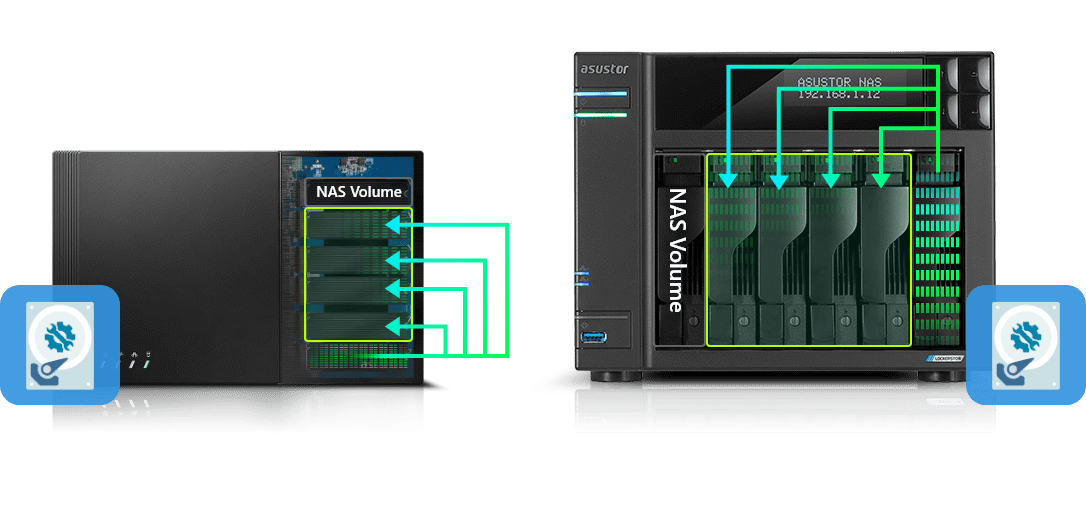
Your NAS can immediately transform into a drive cloning center with Drive Utilities. With Drive Utilities, you can directly perform whole-drive copies of hard drives in unused bays within your NAS. Drive Utilities supports all drives that ASUSTOR NAS devices support including, but not limited to SATA or M.2. Creating backups or deploying drives to multiple workstations becomes faster when your NAS becomes your built-in drive copying machine.
Note: This feature only supports NAS with four or more bays.